Words to sheet music, in seconds
Noteshift AI turned plain-language descriptions into sheet music you could play, edit, and share. The app is now closed to new and existing users. If you're interested in it, tell us and we'll get back to you.
Email us. Tell us whether you want to use it, are curious about the technology behind it, or want to work together.
Email hello@noteshift.ai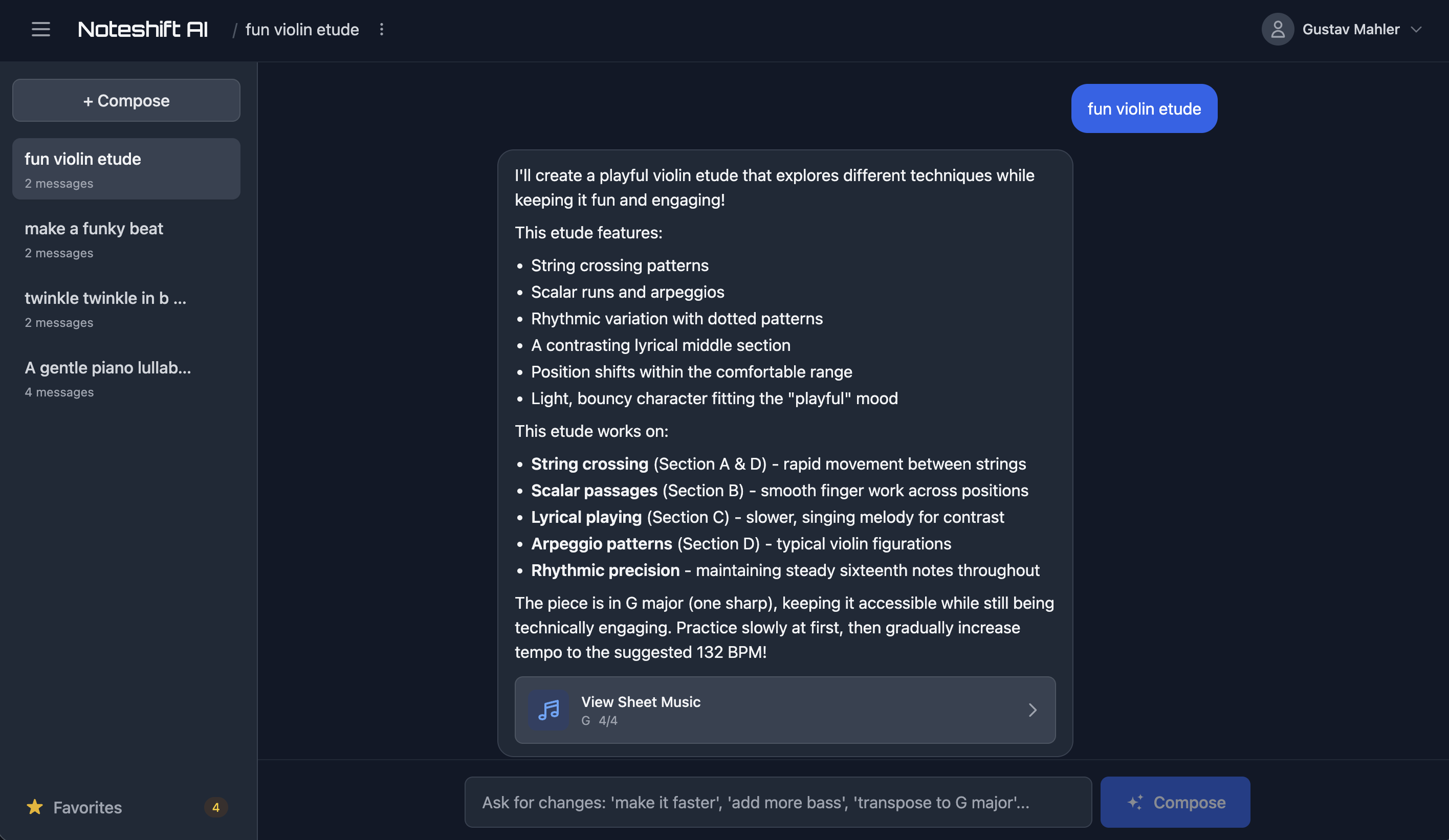
How Noteshift worked
From a one-line description to notation you can play, edit, and share.
Watch the magic
Your words become music
"A classical minuet for piano"
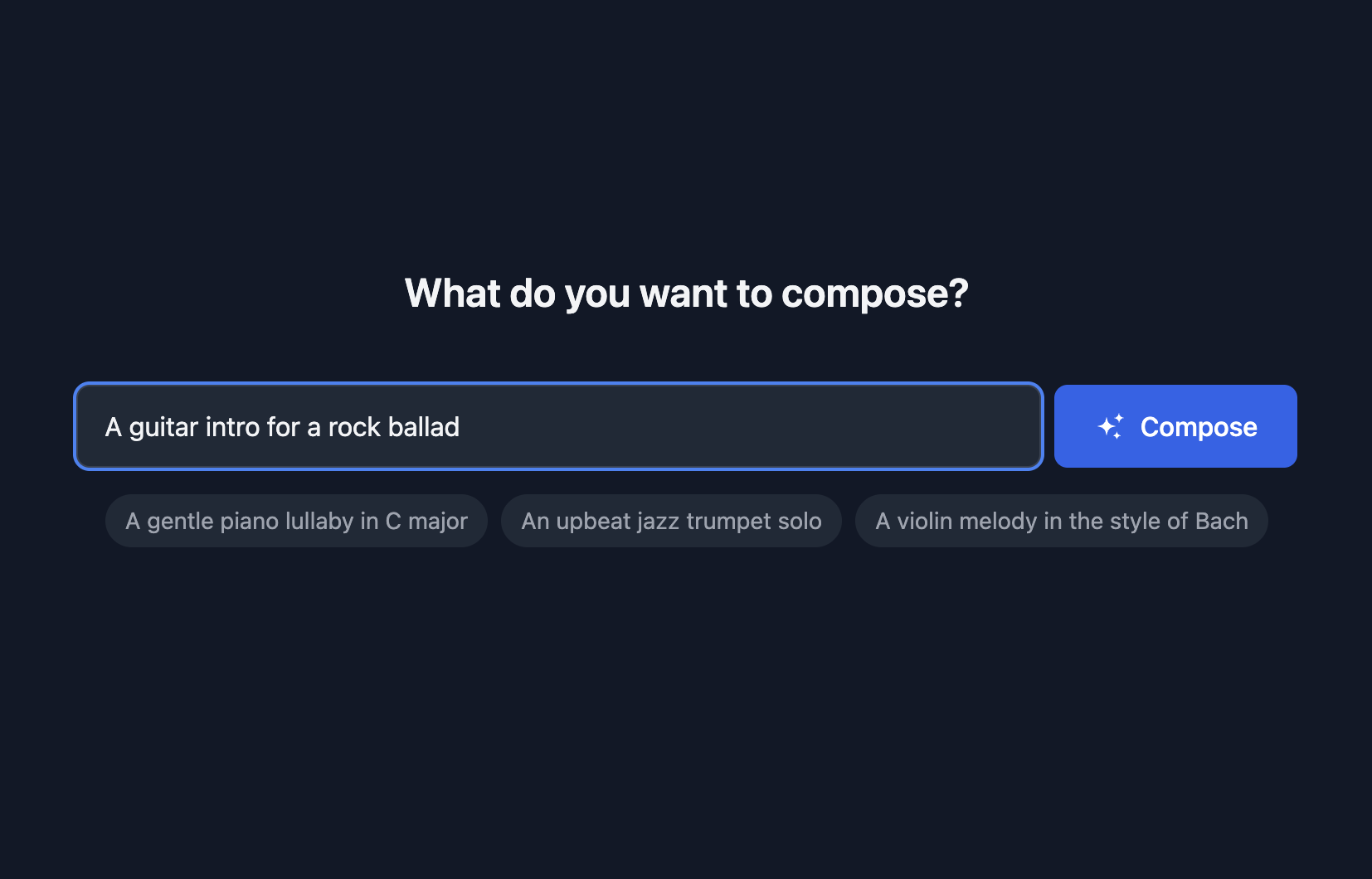
Describe what you hear in your head
No music theory required. Just type what you want: "a melancholic piano piece" or "upbeat jazz bass line in F."
- Plain English descriptions
- 50+ supported instruments
- Any style: jazz, classical, pop, electronic
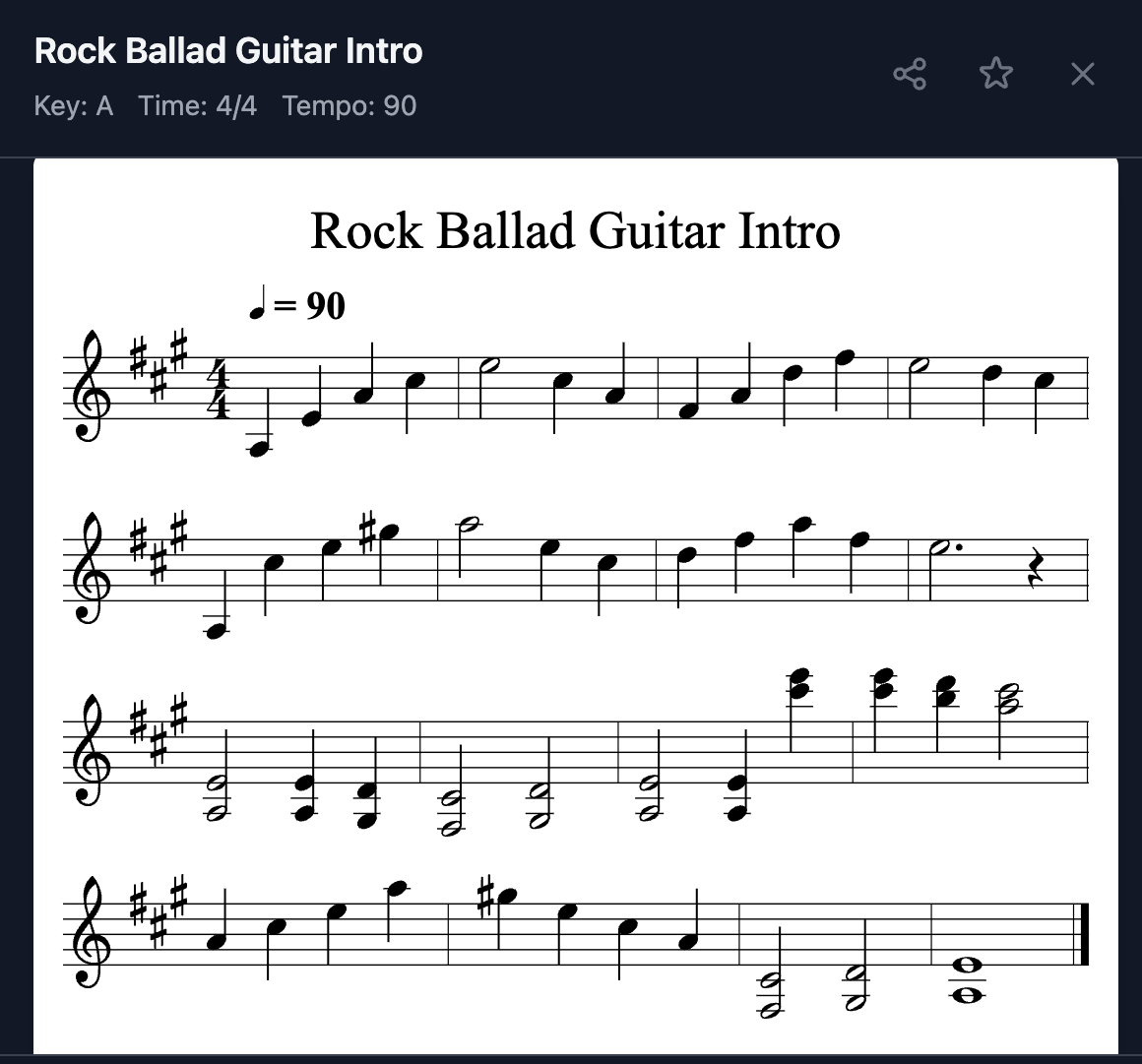
AI generates real sheet music
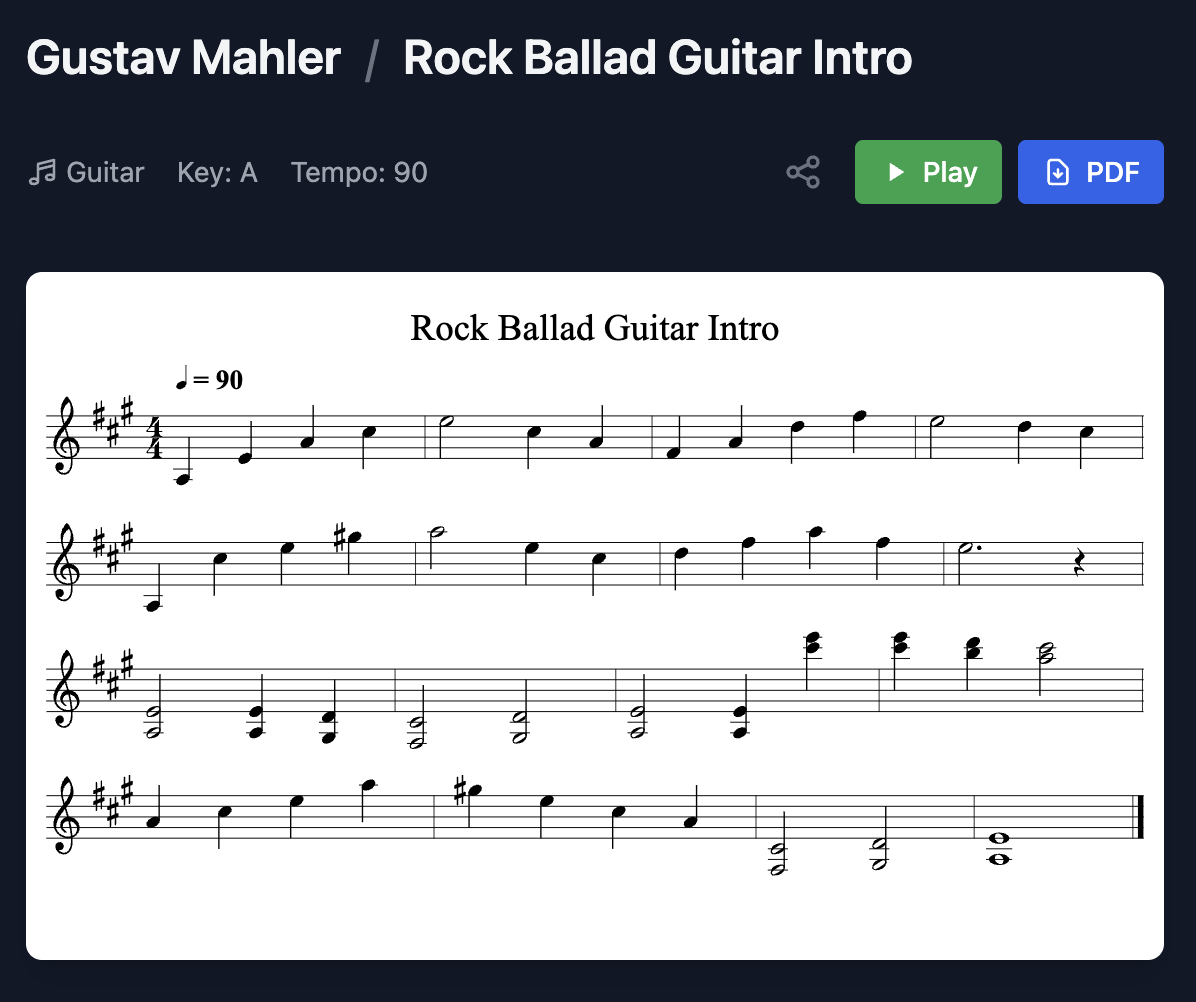
Professional notation appears in seconds. Hear it with realistic instrument sounds.
- Instant playback with real sounds
- Proper key signatures and time
- Iterate via chat: "make the ending more dramatic"
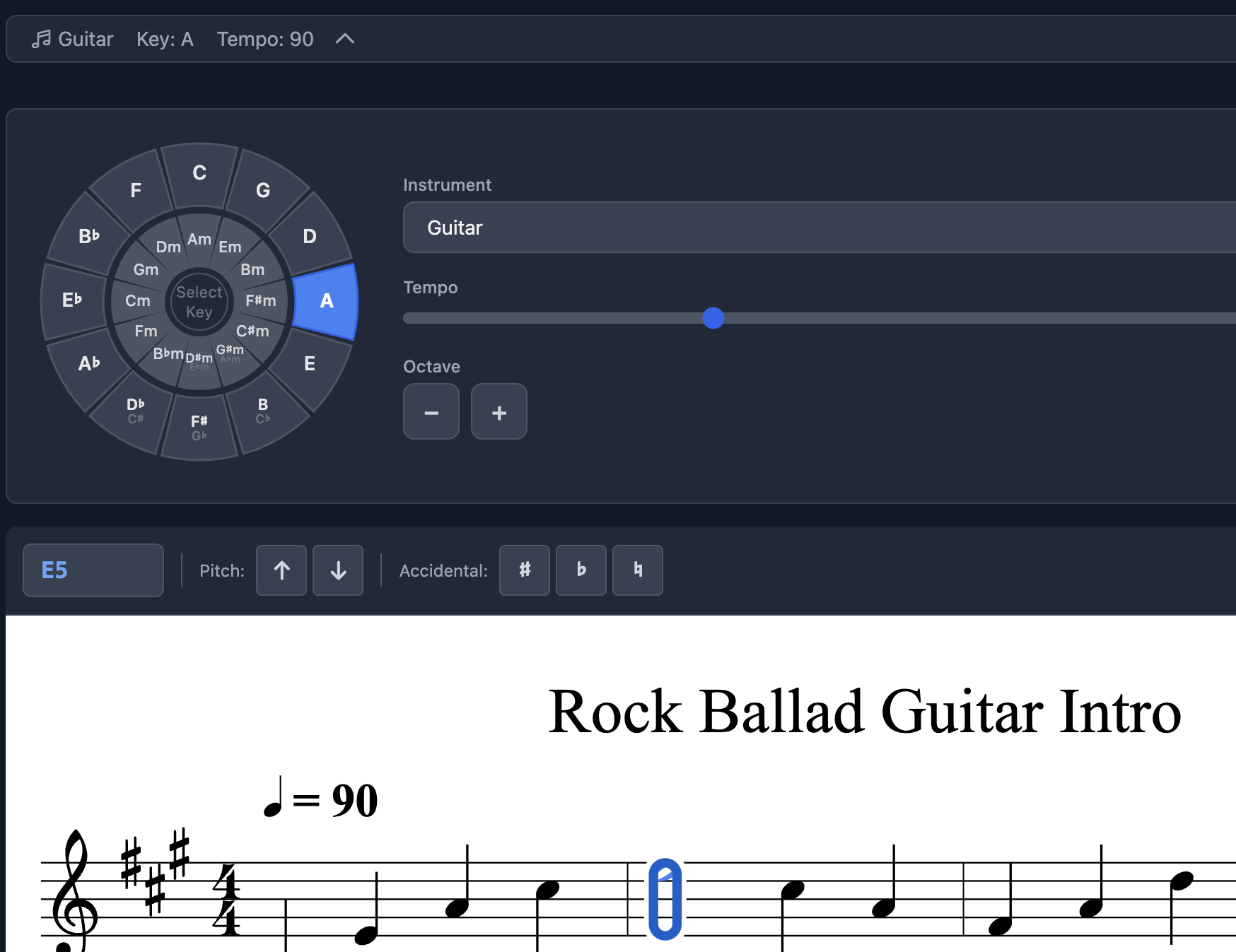
Fine-tune in the visual editor
Click any note to change it. Adjust tempo, transpose keys, switch instruments. No manual needed.
- Point-and-click editing
- One-click key transposition
- Tempo and octave controls
Share with anyone, anywhere
Share a link with anyone to view, play, or download a PDF of your music.
- Shareable links (no login required)
- Professional PDF export
- MIDI & MusicXML for pro tools
Built for how musicians actually work
Whether you're a composer, teacher, or student — turn your ideas into notation faster.
Compose what's in your head
Hear a melody? Describe it and watch it appear as notation. No more losing ideas because you can't write fast enough.
Generate sightreading material
Need fresh practice material? Generate endless sightreading exercises at any difficulty level, in any style.
Share ideas with collaborators
Send a link to bandmates, students, or producers. They can view, play, and download — no account needed.
Create etudes and exercises
Generate custom method exercises based on specific techniques, scales, or pieces. Perfect for teachers building curriculum.
Expertise for 50+ instruments
Piano, strings, brass, woodwinds, synths, and more. Each with authentic sound.
Free music theory tools
Interactive resources to help you learn, practice, and explore music fundamentals.
Scale Explorer
Learn major, minor, and modal scales in all 12 keys with piano and notation.
Explore scalesInterval Explorer
Learn all 13 intervals with melodic and harmonic playback options.
Explore intervalsChord Explorer
Learn triads, 7ths, and suspended chords with block or arpeggio playback.
Explore chordsChord Progressions
Browse 25+ progressions across Pop, Jazz, Blues, Classical, and more.
Explore progressionsTransposition Tool
Visualize key changes with the Circle of Fifths and transpose melodies.
Try transpositionInstrument Ranges
Explore 60+ instruments with interactive piano visualization.
Explore instrumentsCommon questions
Can I still use Noteshift?
I had an account. What about my music?
How good is the AI-generated music?
What formats did it export?
Who owns the music I created?
Interested in Noteshift AI?
Whether you want to use it or want to talk about the technology behind it, we'd like to hear from you.
Get in touch